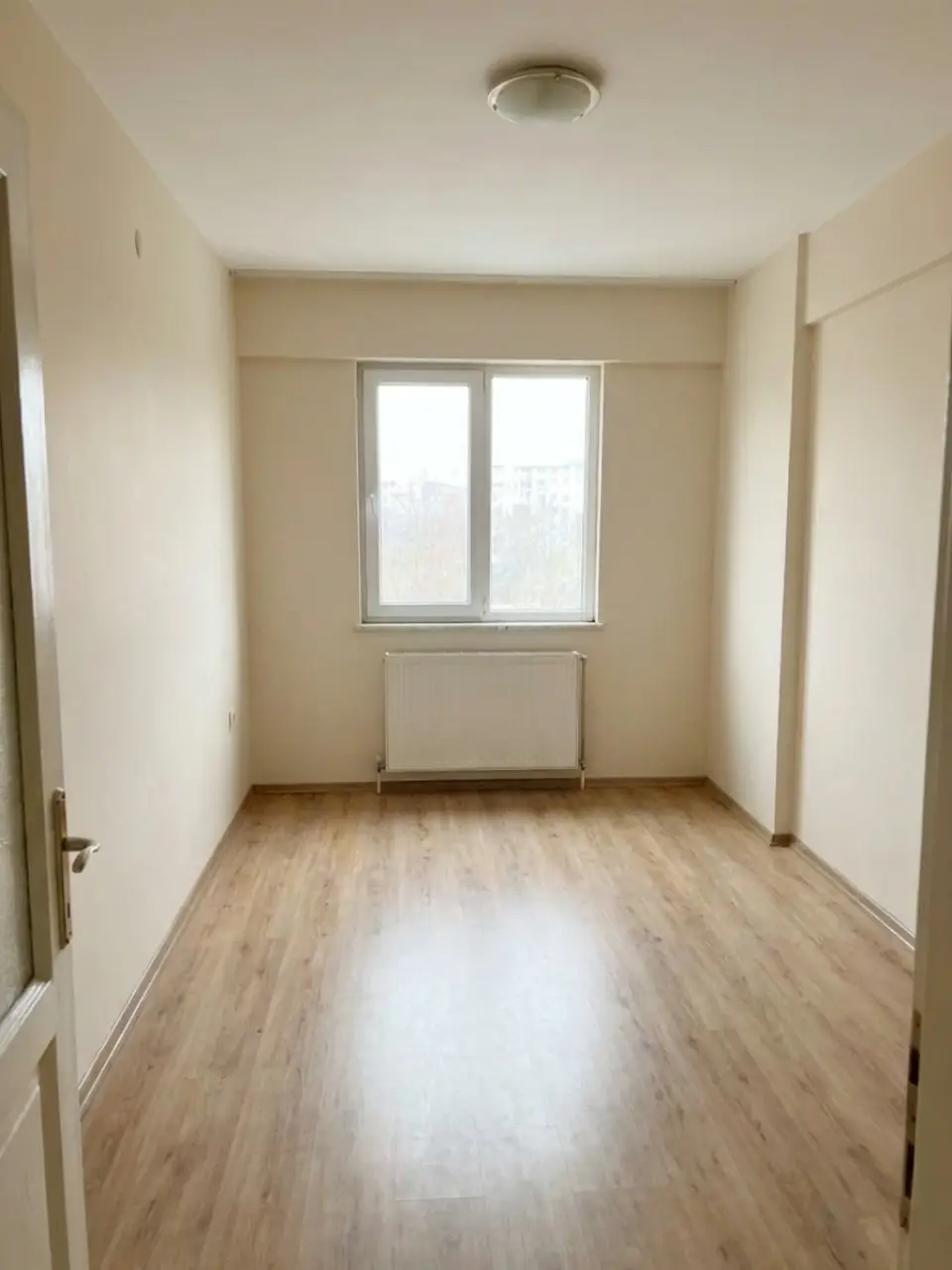
 BEFOREModern
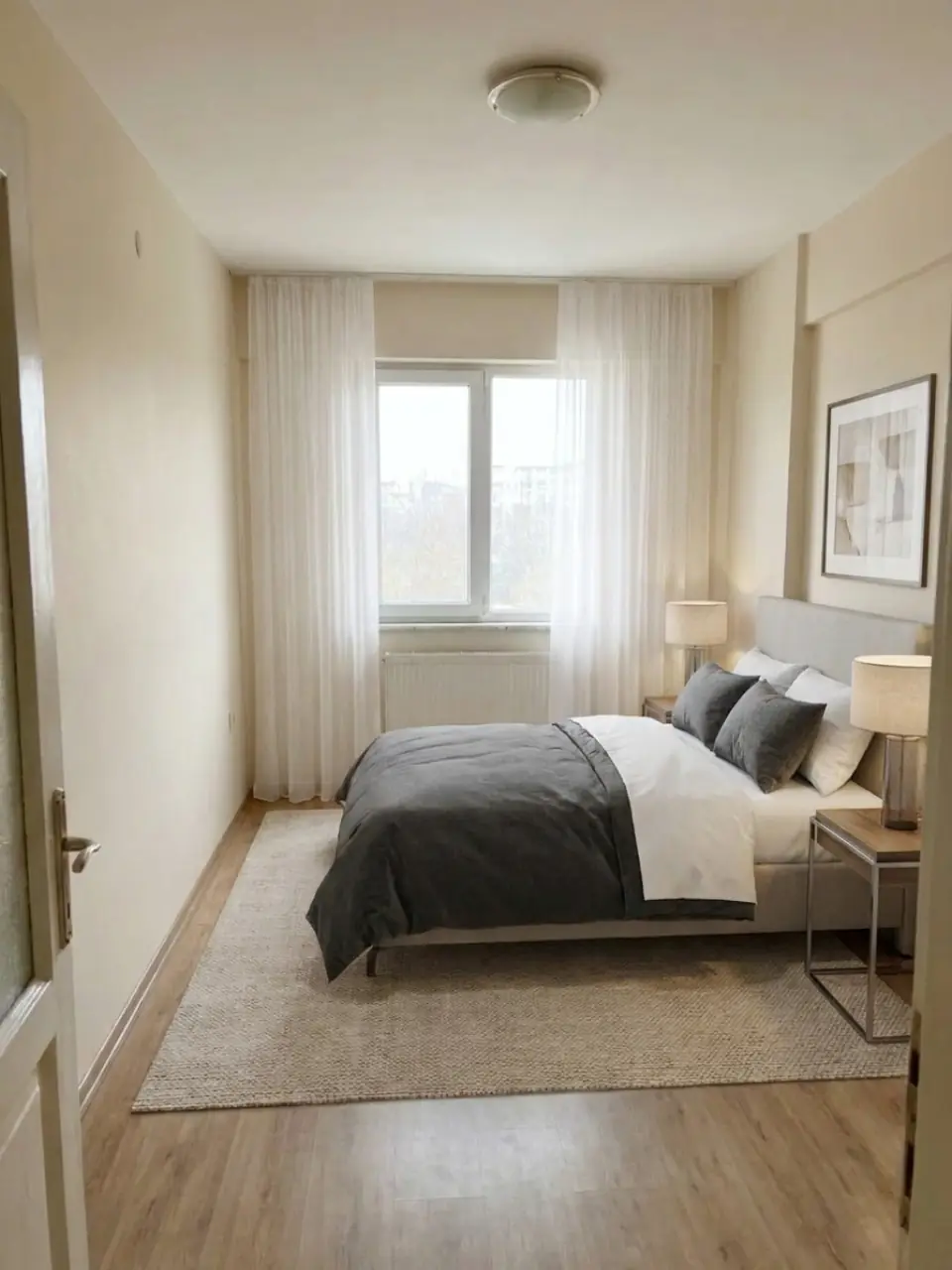
Modern
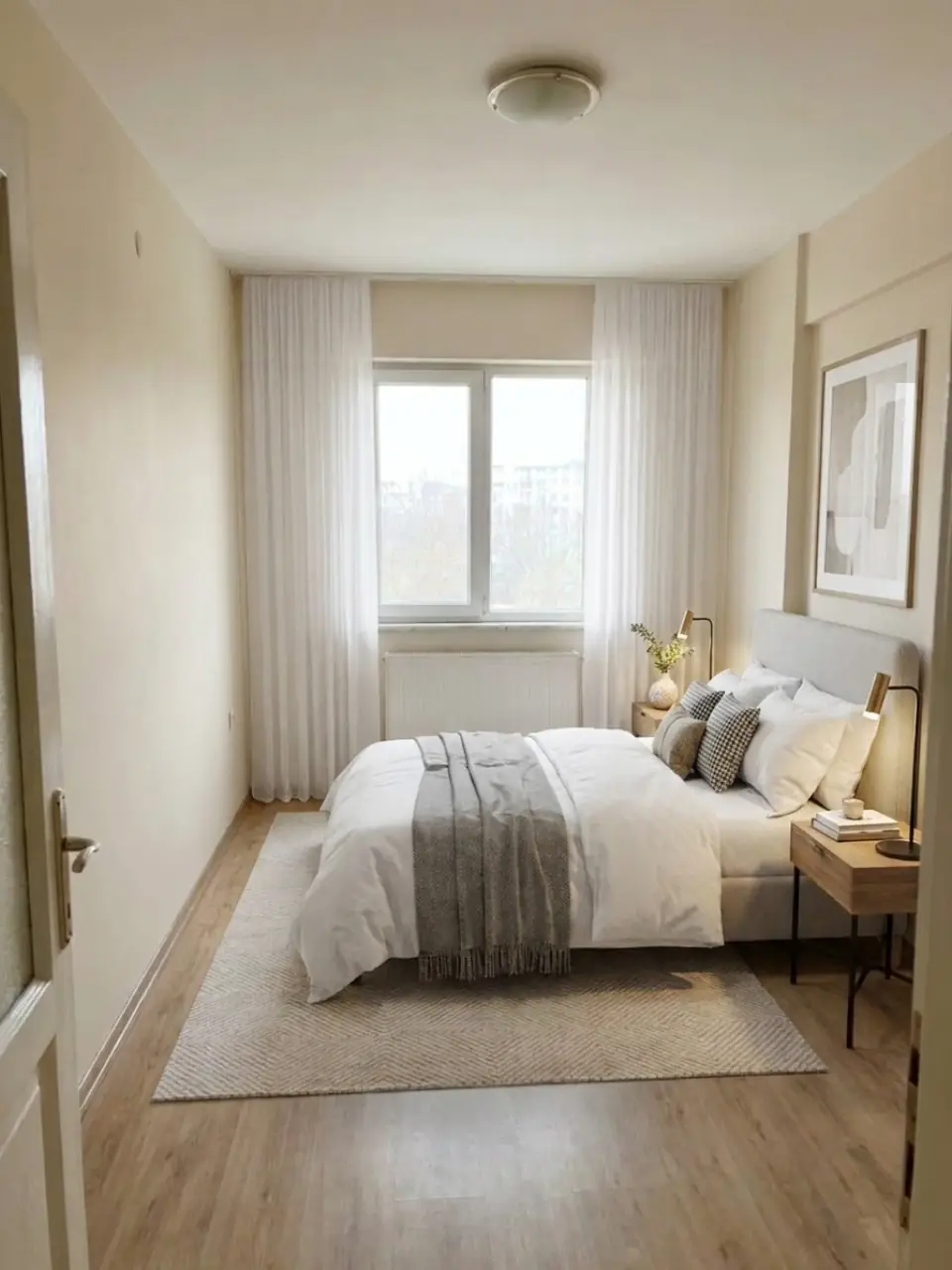
Modern staging gives the bedroom a low platform bed, simple bedside tables and a neutral palette with a dark accent. It looks tidy and suits newer homes.
An empty bedroom photo rarely shows whether a double bed fits or where the wardrobe would go. Staging answers that at a glance and makes the room feel restful rather than bare. Take one photo of the bedroom and Homiva furnishes it in the style you pick.
BEFOREModernModern staging gives the bedroom a low platform bed, simple bedside tables and a neutral palette with a dark accent. It looks tidy and suits newer homes.
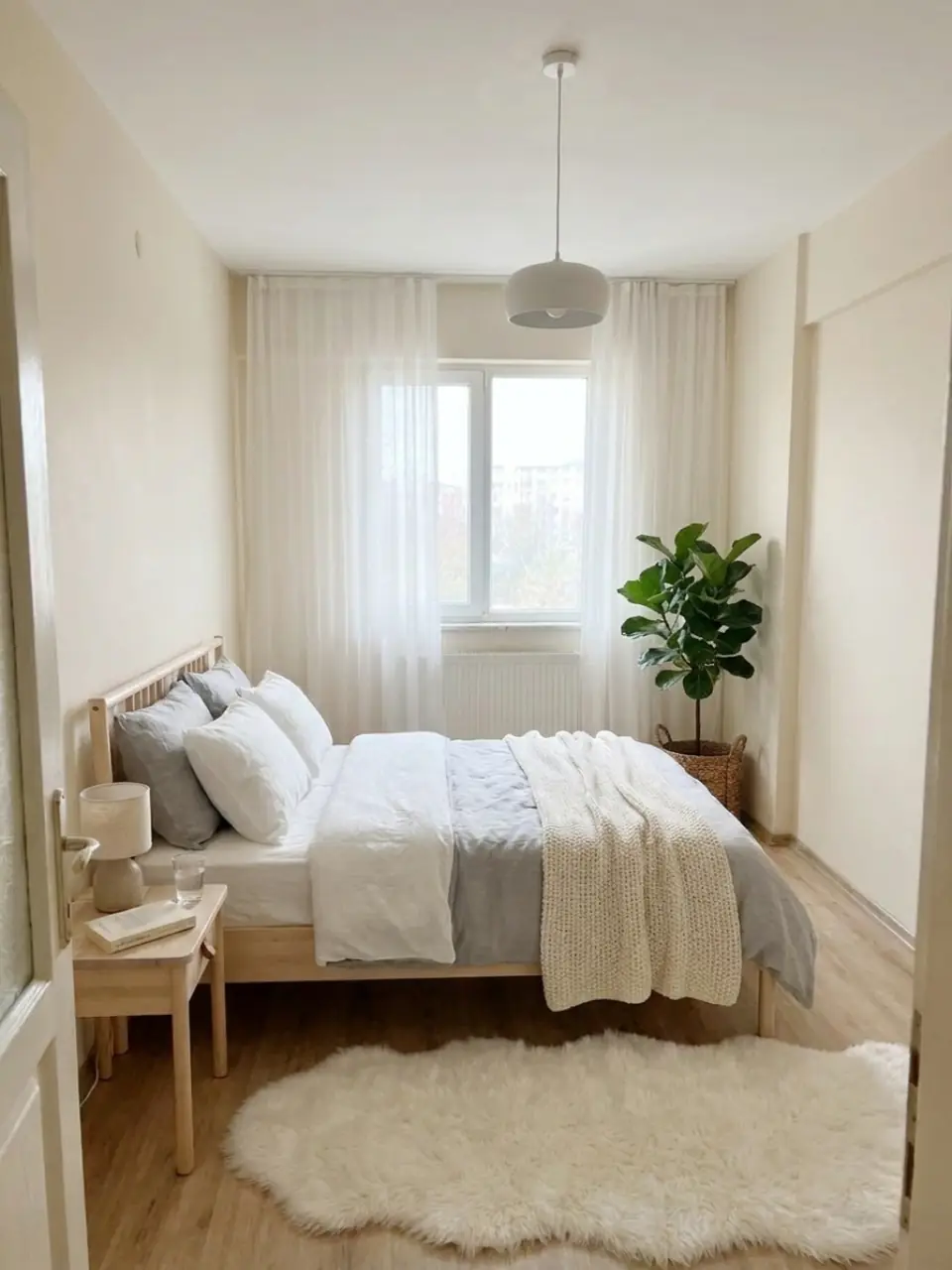
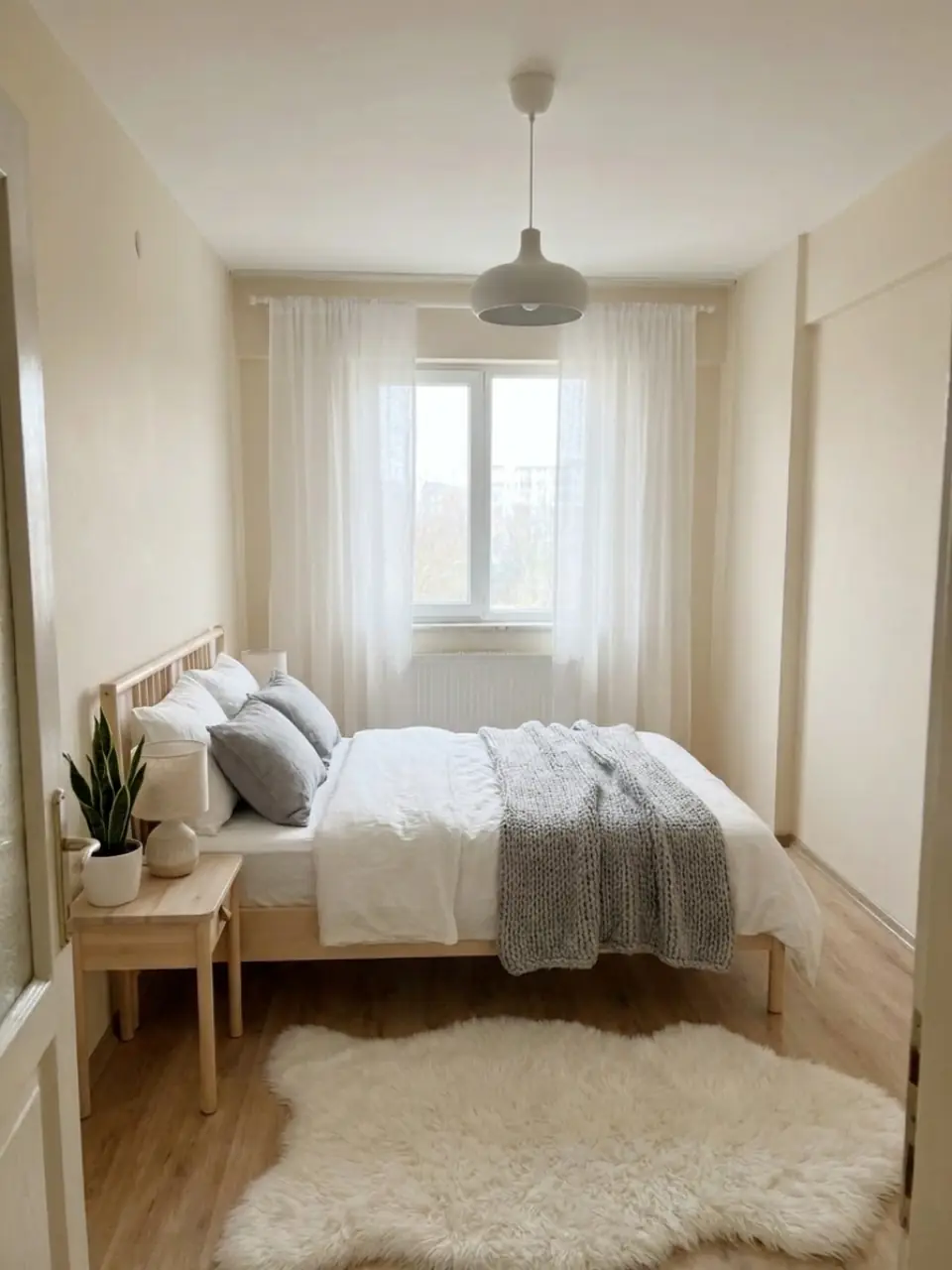 BEFOREScandinavian
Scandinavian staging adds a light wooden bed, white linen and woven textures. It makes a small bedroom feel airy and bright.
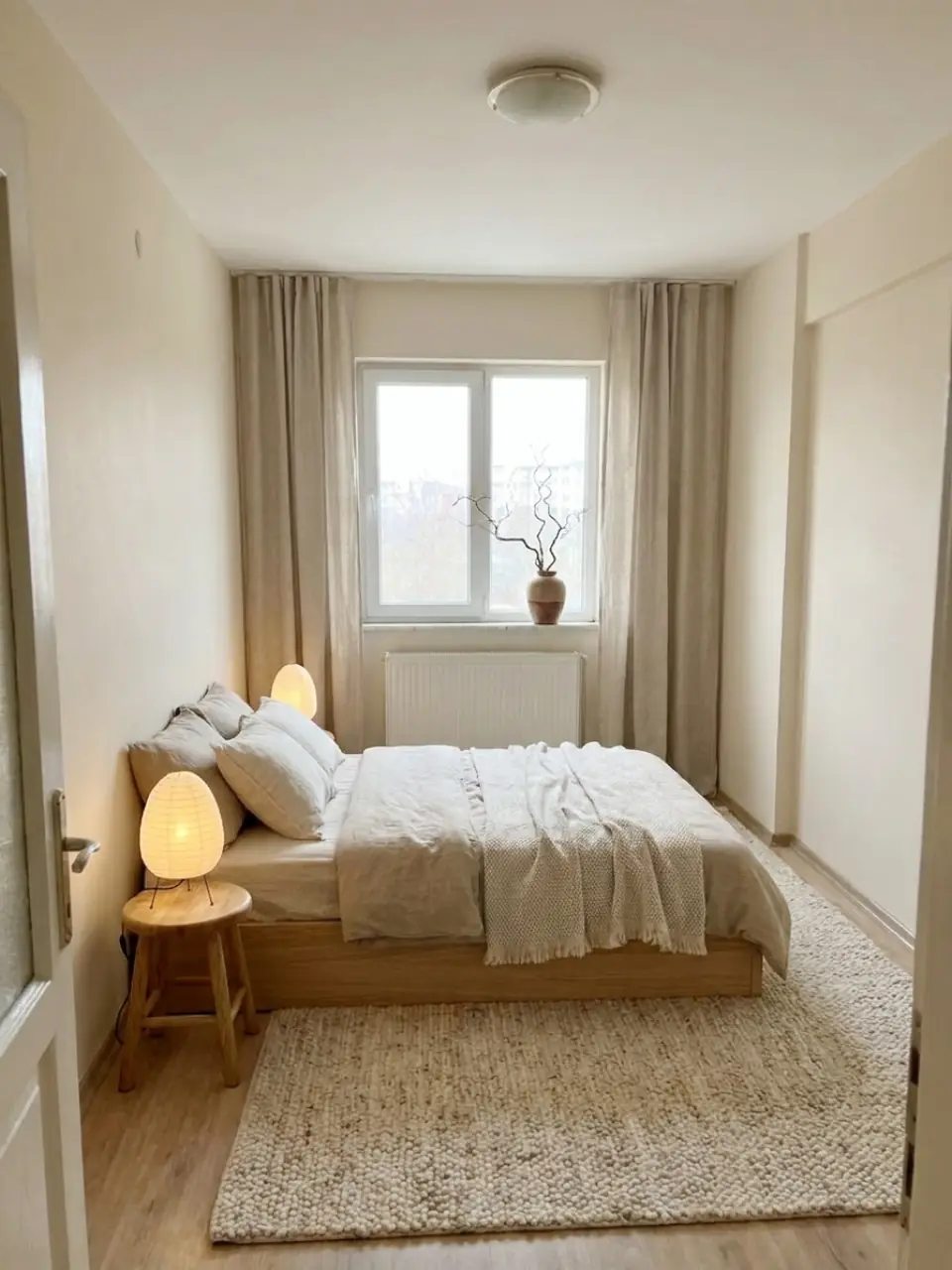
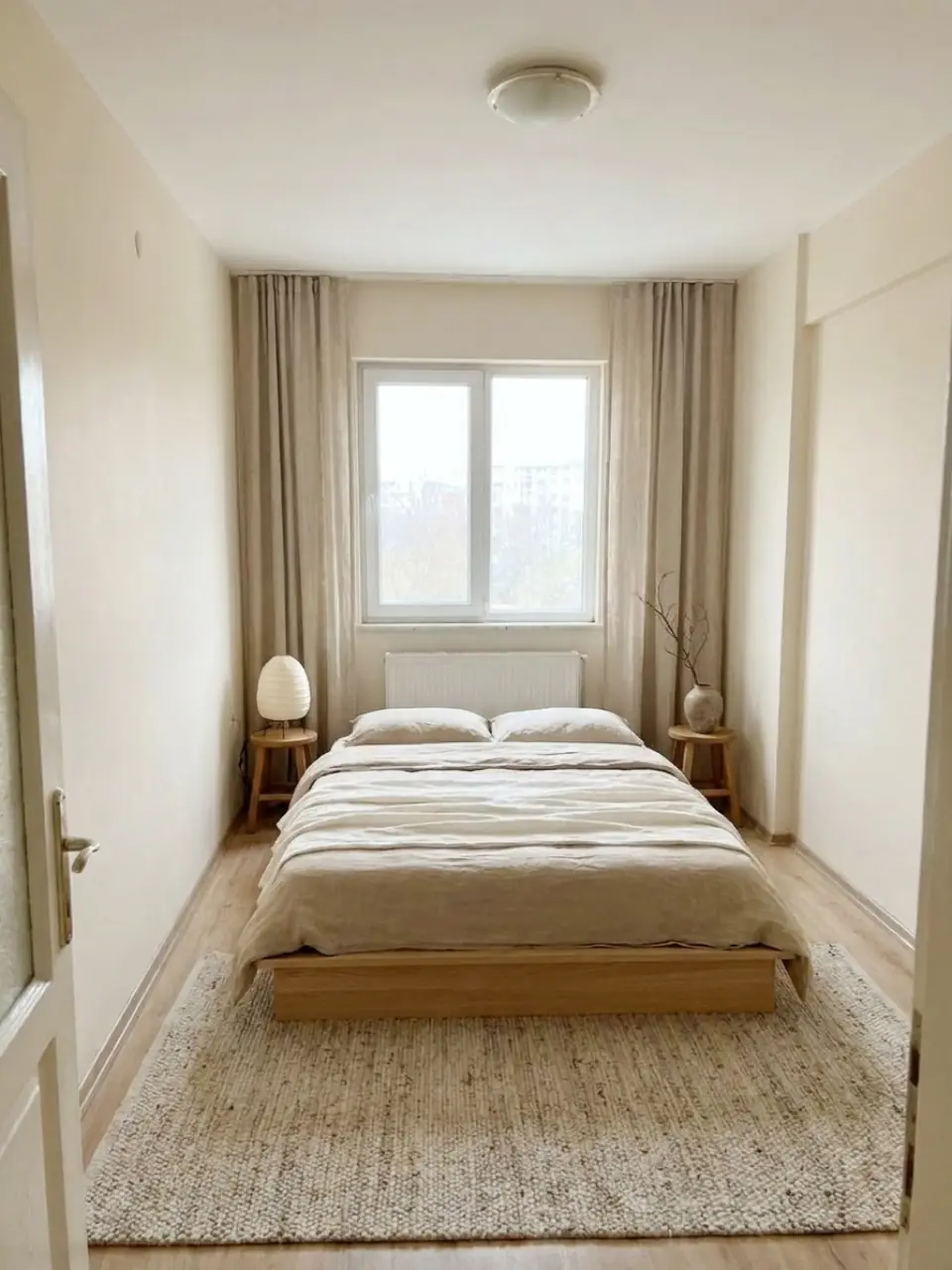 BEFOREJapandi
Japandi staging uses a low bed, natural materials and muted earth tones with almost no clutter. It gives the bedroom a quiet, restful look.
Virtual staging shows what a room could look like, not what is there today. Many MLSs and property portals require staged photos to be labelled, so add a clear note such as "Virtually staged" and place the original photo next to it. Buyers and renters then know what to expect when they walk in.