AI virtual staging from a photo of the room
Virtual staging adds furniture and decor to a photo of a room, so buyers and renters can picture how the space could be lived in. Homiva does it on your phone: take or upload a photo, choose a style, and the room comes back furnished with its walls, windows and layout kept in place. It helps agents, landlords and anyone selling or letting a home whose rooms are empty or dated.
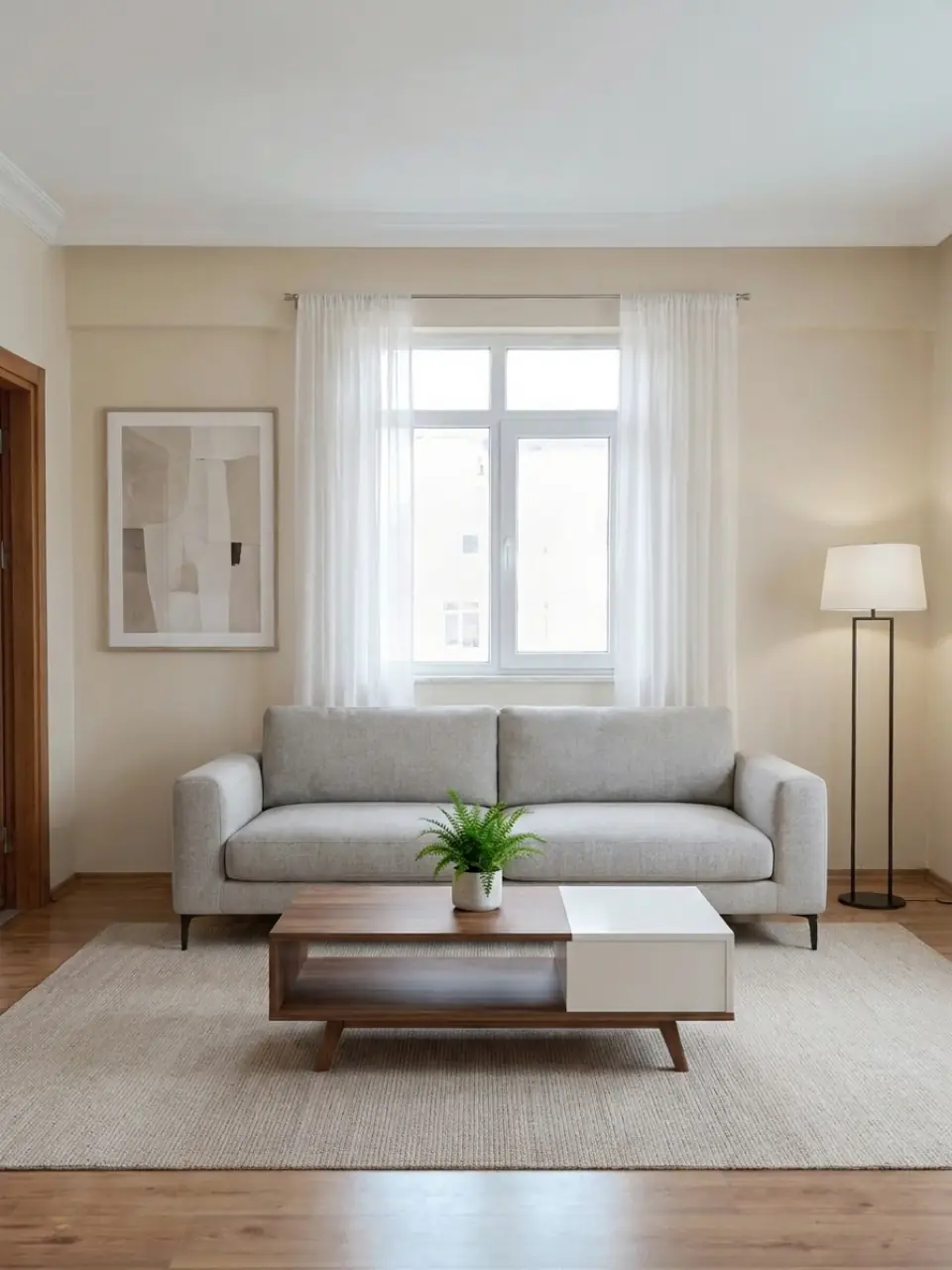
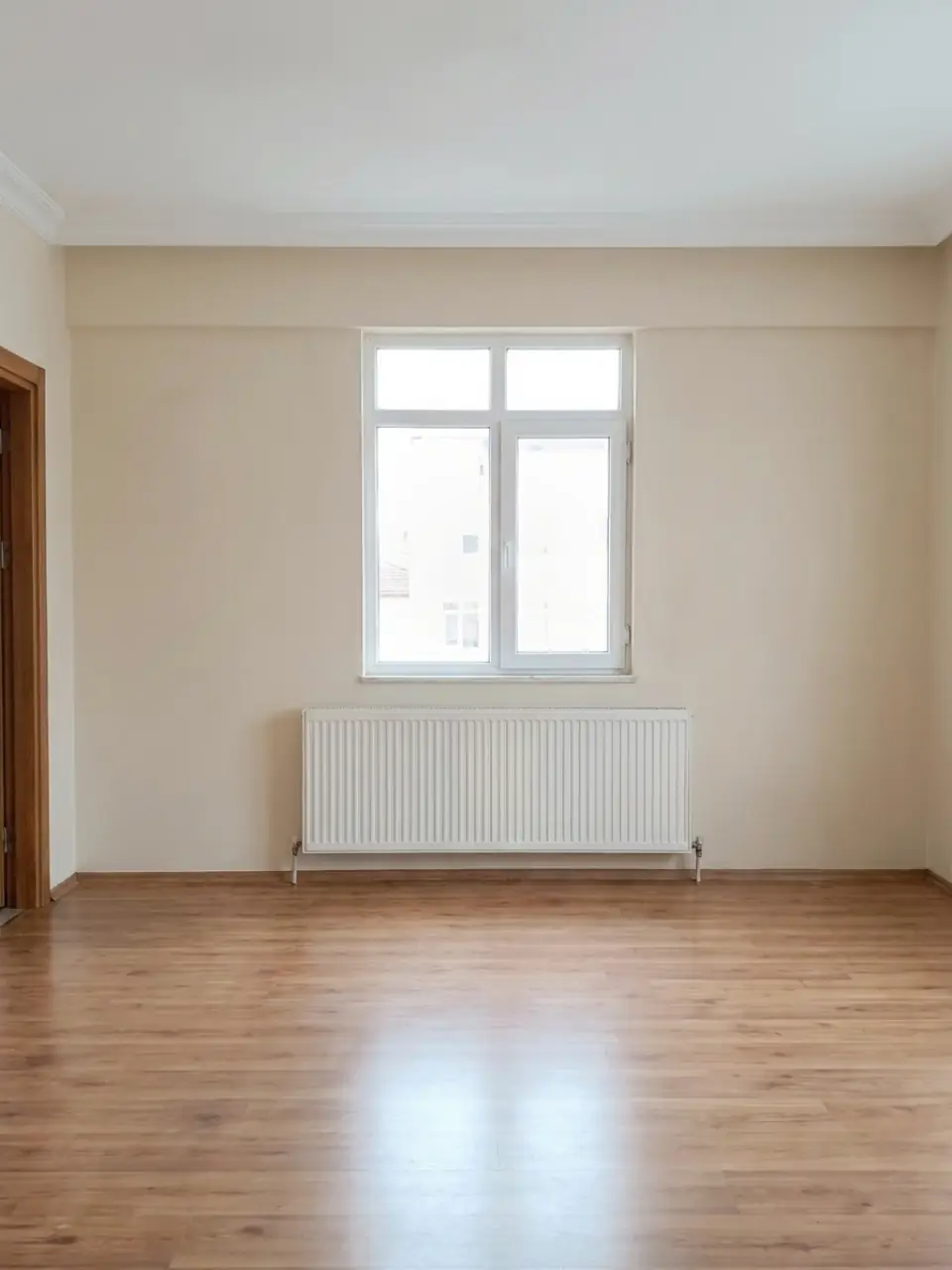 BEFOREModern
How to stage a room in three steps
- Photograph the empty roomStand in a corner, hold the phone level and shoot in daylight. You can also upload a photo you already have.
- Pick a styleChoose from more than 20 styles, such as Modern, Scandinavian or Japandi. Homiva furnishes the room and keeps the walls, windows and layout as they are.
- Save it and use it with a labelCompare before and after, then save or share the image. When it goes into a listing, mark it as virtually staged and show the original photo next to it.
Who uses virtual staging
- Homes for saleAn empty room can look smaller and colder in photos than it does in person. A staged version shows the size of the space and where a sofa or bed would go.
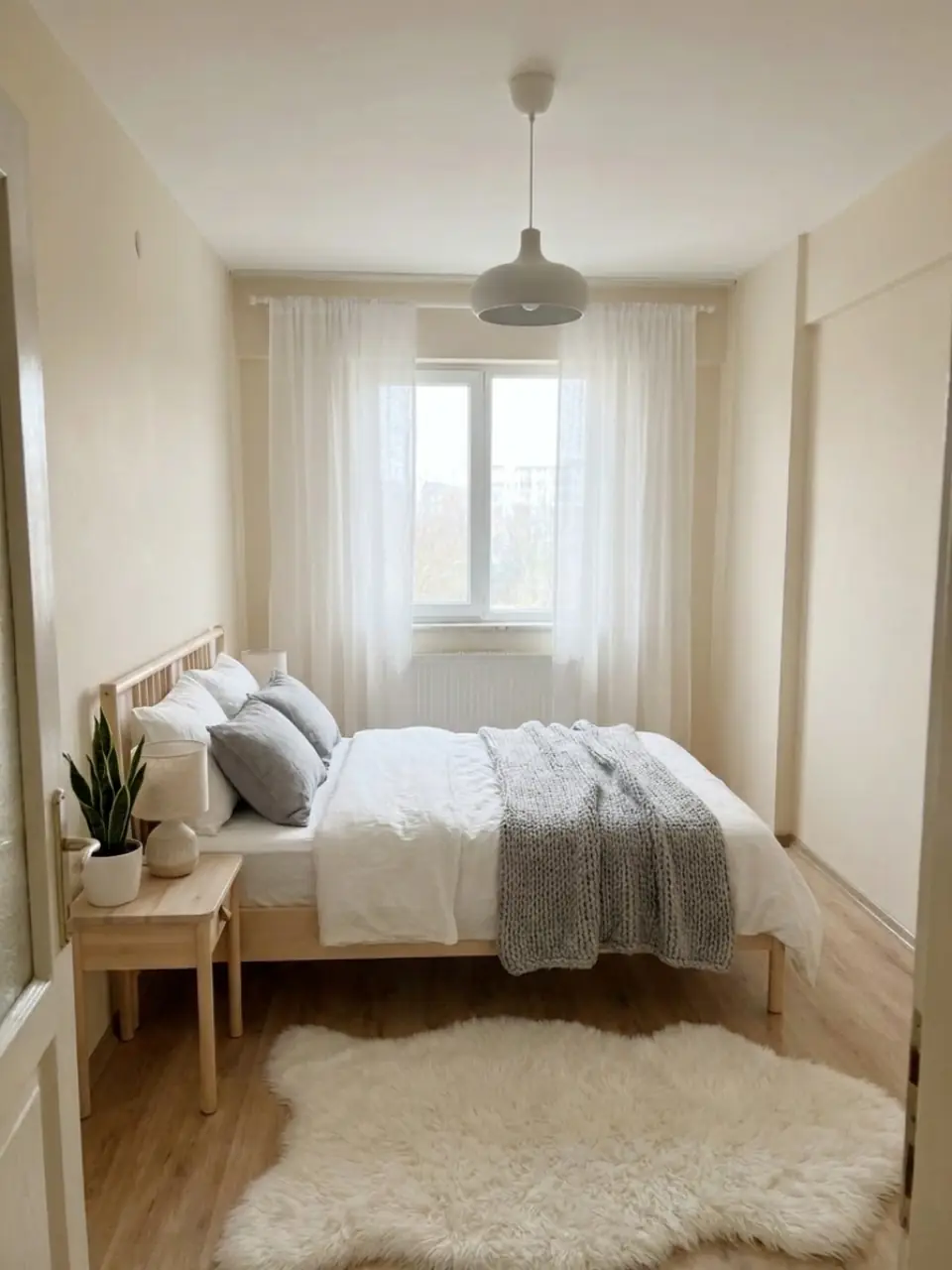
- Long-term rentalsLandlords can show an unfurnished flat with a sense of how it could be set up. Tenants get a clearer idea of the space before they book a viewing.
- Short-term rentalsBefore you buy furniture for a holiday let, try a few styles on the real room. It helps you decide on a look and see what fits.
- Buyers and owners planning changesSeeing an old or empty room in a new style makes a renovation idea easier to judge. Agents can show a buyer what a dated room could become.
Which style to choose
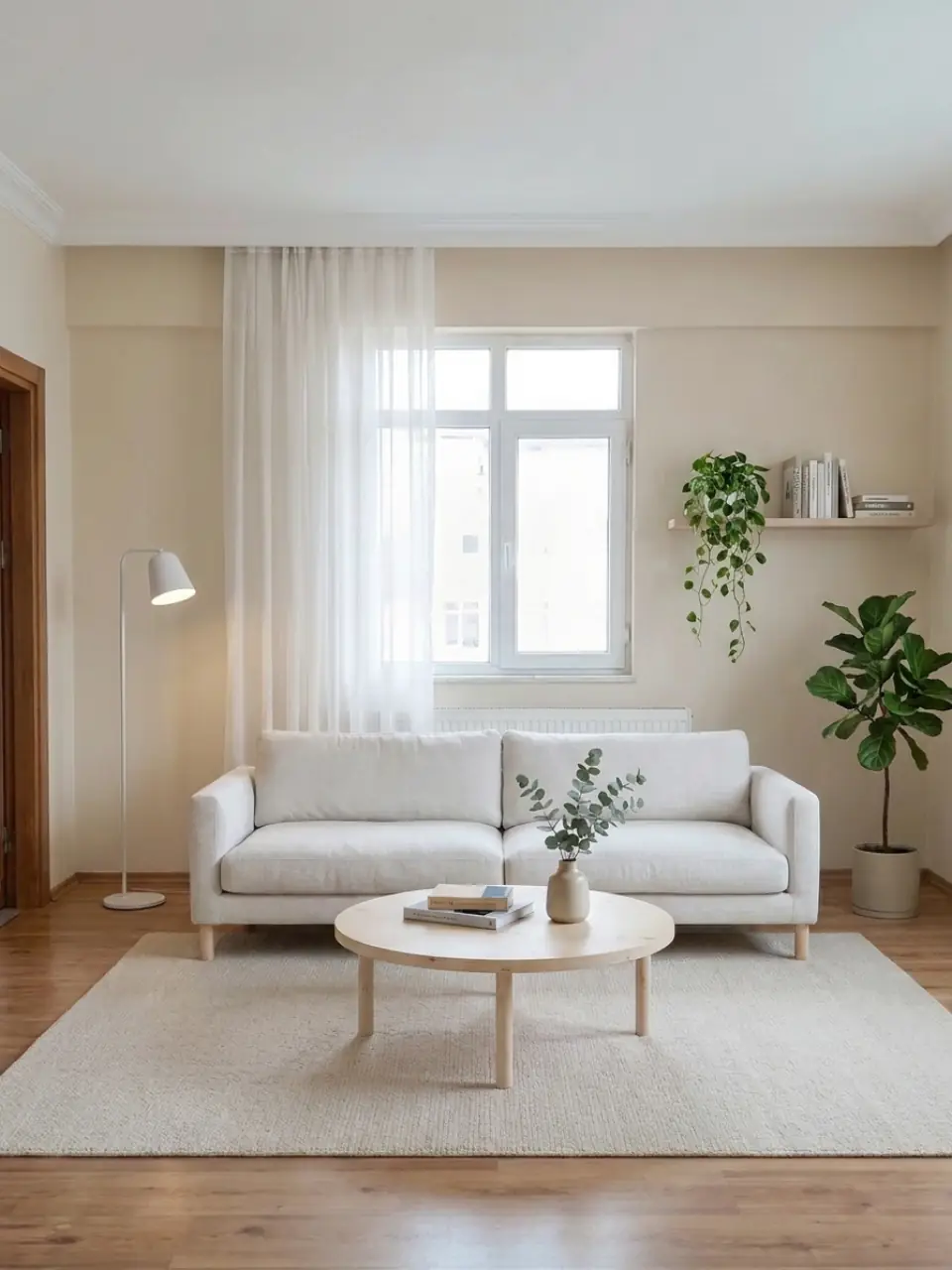
For a listing, a calm, neutral style usually suits the widest range of people, because it shows the room without asking them to share a strong taste. Modern, Scandinavian and Japandi are good places to start, and Homiva has more than 20 styles if a home calls for something else.
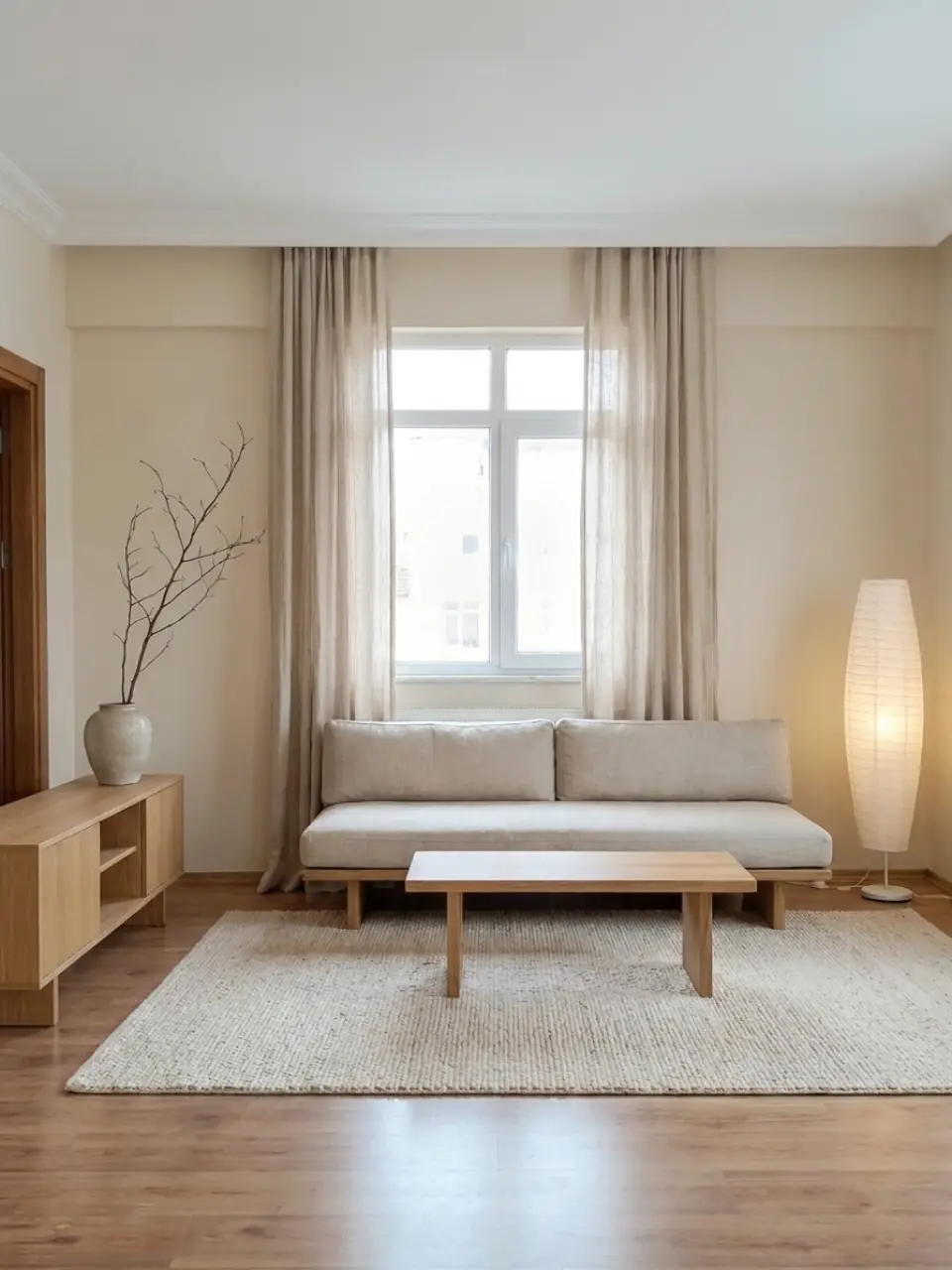
Label staged photos and show the original
Virtual staging shows what a room could look like, not what is there today. Many MLSs and property portals require staged photos to be labelled, so add a clear note such as "Virtually staged" and place the original photo next to it. Buyers and renters then know what to expect when they walk in.
Questions, answered.
What is virtual staging?
It is adding furniture and decor to a photo of a room with software, instead of moving real furniture in. With Homiva you do it on your phone from one photo. You choose a style and get a furnished version of the same room.
Does it work on an empty room?
Yes, empty rooms are where it helps most. Homiva keeps the walls, windows and layout and adds furniture in the style you pick. A clear, level photo taken in daylight gives the best result.
Can I use it on a room that is already furnished?
Yes. Homiva redesigns the room in the style you choose, so dated or mismatched furniture is replaced with a new look. It is useful when a seller's own furniture makes the room feel smaller or busier than it is.
Am I allowed to use staged photos in a listing?
Virtual staging is common in listings, but buyers must be able to tell it apart from the real room. Many MLSs and portals require staged photos to be labelled, so mark each one as virtually staged and show the original photo alongside it. Check the rules of the portal or MLS you list on.
Which style works best for a listing?
A neutral style tends to suit the most people. Modern, Scandinavian and Japandi keep the room light and uncluttered, so the space itself stays the focus. Try two or three styles and keep the one that fits the home best.
Can I use it on my phone during a viewing or for a rental?
Yes. Homiva runs on iPhone and Android, so you can photograph a room during a viewing and show a furnished version a moment later. Landlords use it the same way to show how an unfurnished rental could be set up.